
Error export
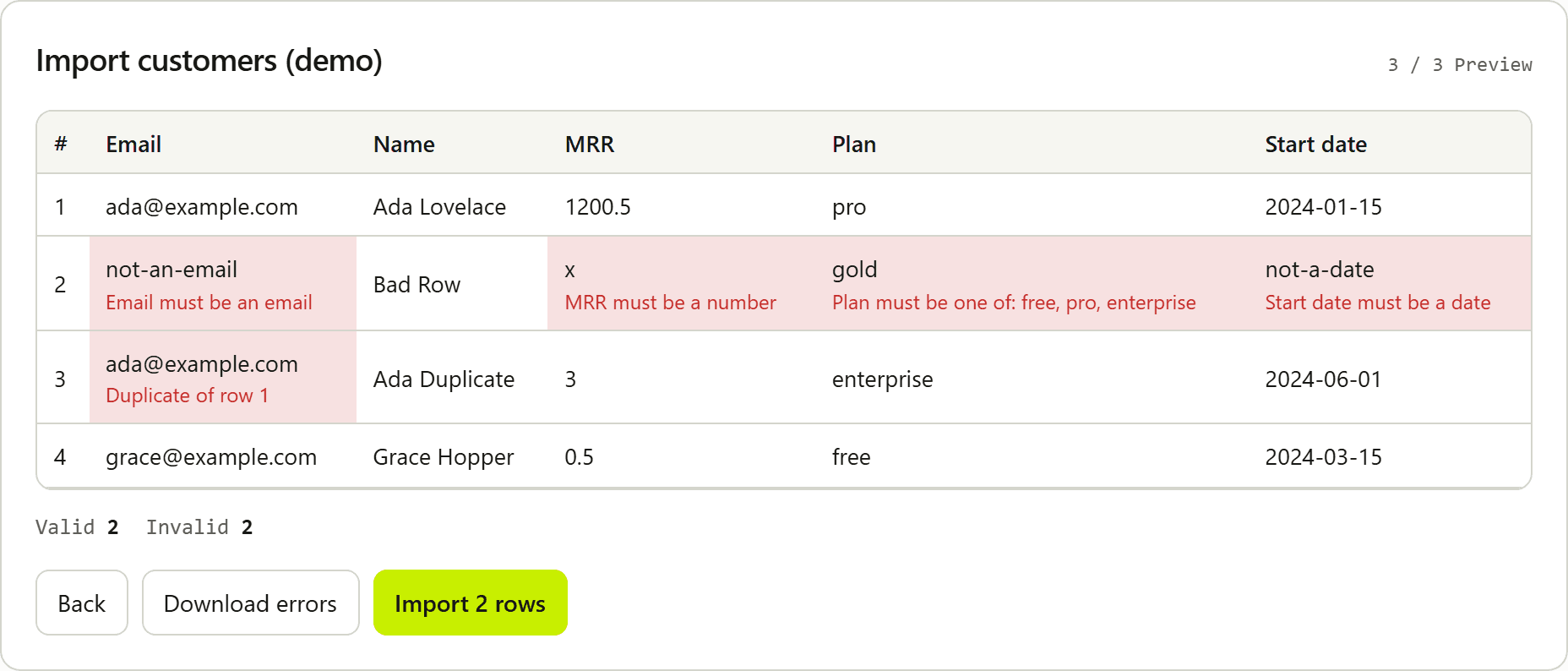
When any row is invalid, the UI can download import-errors.csv. Columns are each field label plus Errors. Cell values come from coerced values when present. Multiple messages are joined with "; ".
When any included row remains, Download valid rows writes import-valid.csv with field labels and the same normalized values onComplete receives. It does not include invalid rows. Unchecking Include on a valid row leaves that row out of both Import and this file. meta.validRows still counts every row that passed validation.
Unknown enum values can be remapped on preview before you download errors. Remapped cells use the canonical value in the preview, in onComplete, and in the valid-row CSV. Values you leave invalid still appear in import-errors.csv.
Use error export so customers can fix the file and re-upload without support copying rows by hand. Use valid-row export to inspect the payload before Import.
Related: Errors · Handle invalid CSV rows