
Excel
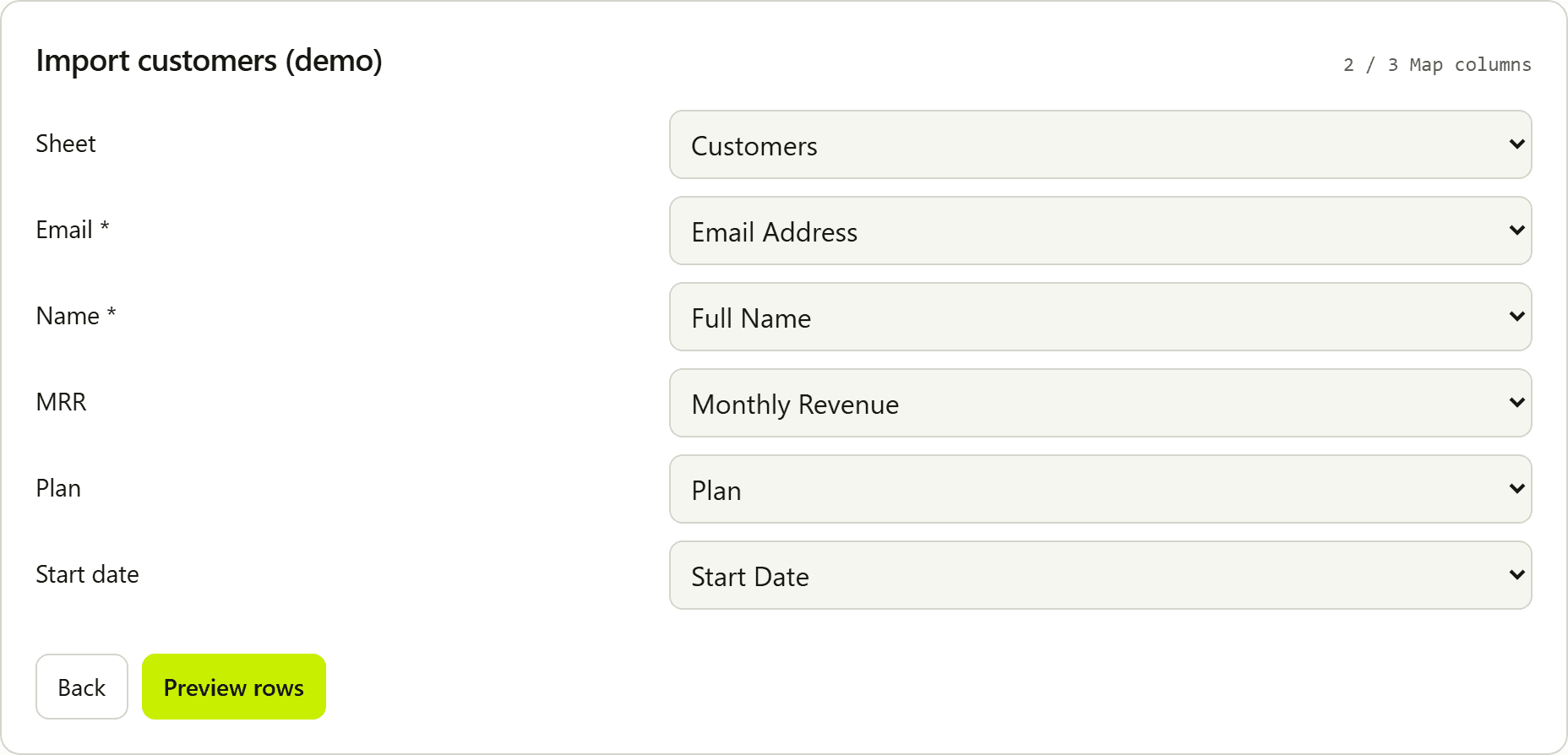
Workbooks are read in the browser with SheetJS (cellDates: true). The first sheet is selected by default. When a workbook has more than one sheet, the map step shows a sheet picker so the user can switch worksheets; mapping re-runs for the new sheet. The same map step includes a Header row picker when the sheet has more than one non-empty row, so title/report rows above the real headers can be skipped. Auto-detect prefers a row that matches field keys, labels, or aliases.
Dates go through the same validation path as CSV cells and normalize to YYYY-MM-DD when valid. Slash, dash, and dotted numeric dates follow the component dateOrder prop (MDY default, or DMY). Values such as 15.03.2024 are unambiguous even under default MDY.
.xls, .xlsb, and .ods files are routed through the same workbook parser. Support depends on SheetJS; prefer .xlsx in production docs for customers. Password-protected workbooks are not supported.
Related: File formats · Import Excel in React · Validation · React component